How-to
How to add a Black Friday and Cyber Monday countdown to Shopify
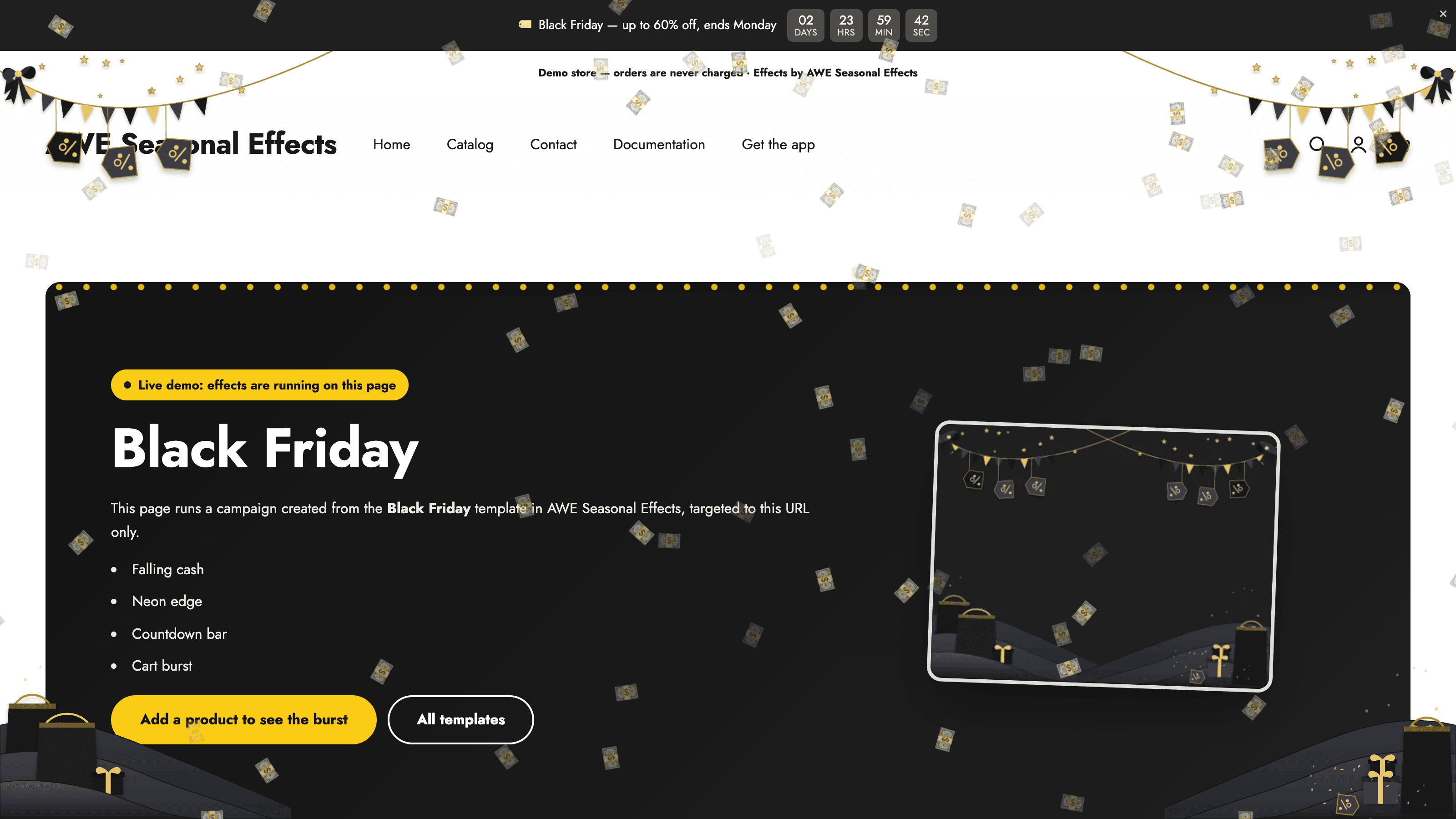
A Black Friday and Cyber Monday countdown gives shoppers a visible sale deadline. Decide exactly when the offer ends before designing the timer, so the message, countdown, and actual promotion agree.
Install and enable the theme embed
Install AWE Seasonal Effects & Decor from the Shopify App Store. The app is free. Open it in Shopify admin and use its activation prompt to open the theme editor. In App embeds, switch the app on and Save. Return to the app to check the embed status.
A campaign can be active in the app while the embed is off; shoppers will see nothing. Enable it on the theme you intend to use, and repeat this check if you change themes. Installing the app alone does not complete storefront activation.
Build the seasonal campaign
Create a campaign and add a countdown to its bar. Choose Specific dates for a sale with one shared deadline. Set the start and end, or enable Follow the campaign schedule when the timer should use the campaign window. That option needs Visibility time to be on.
Choose the display format and style, and review the labels and surrounding message. Under When it ends, choose to hide the bar, keep the bar without the timer, or show a follow-up message. Make the expiry message match what actually happens to your offer.
Preview, schedule, and verify
Use the app preview to inspect the result on desktop and mobile. Check a product page and the cart as well as the homepage. Make sure the decoration or bar does not hide essential links, buttons, or information.
In Schedule & trigger, enable Visibility time and set the start and end. Read the time zone shown in the editor: it normally comes from Shopify, but an app setting can override it. With visibility time off, the campaign runs until you switch it off manually.
Save the campaign and make sure it is enabled. Verify the storefront when the window is active; a future scheduled campaign is not supposed to appear yet. If nothing appears, check the embed, dates, and any targeting or trigger settings. Review overlapping campaigns before launch. After the deadline, confirm the seasonal display has ended as intended.
Explore AWE Seasonal Effects & Decor, or follow the setup documentation for more detail.