How-to
How to add Halloween effects to your Shopify store
Halloween decoration works best when shoppers can still see your products and use the store comfortably. Start with a seasonal detail, then check how it looks against your existing theme before adding more movement.
Install and enable the theme embed
Install AWE Seasonal Effects & Decor from the Shopify App Store. The app is free. Open it in Shopify admin and use its activation prompt to open the theme editor. In App embeds, switch the app on and Save. Return to the app to check the embed status.
A campaign can be active in the app while the embed is off; shoppers will see nothing. Enable it on the theme you intend to use, and repeat this check if you change themes. Installing the app alone does not complete storefront activation.
Build the seasonal campaign
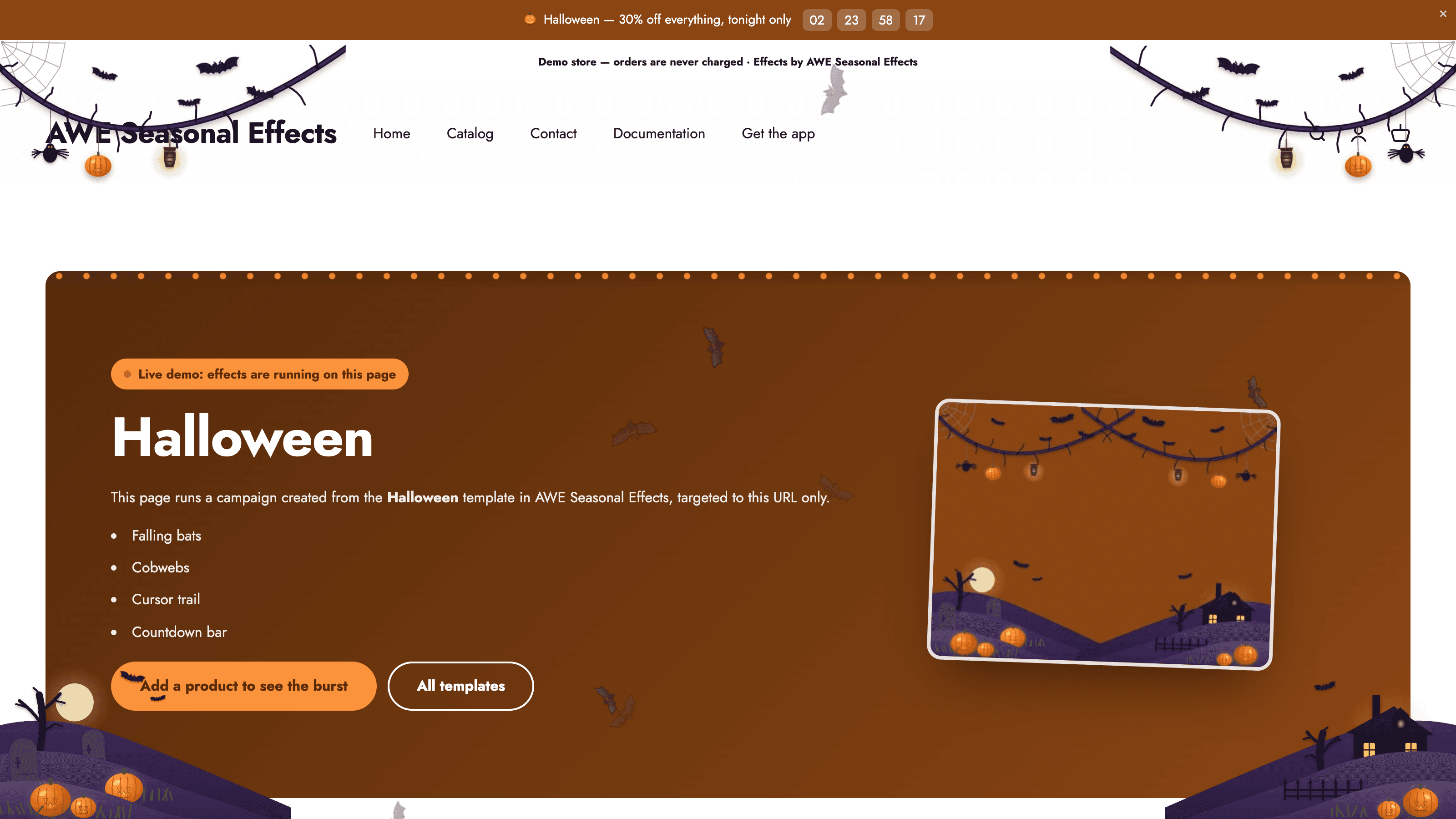
Create a campaign and choose a Halloween template as a starting point. Give it a name you can recognize later. Review the decorations and effects already included, and keep the elements that suit your products. You can adjust the design in the editor rather than editing theme code.
Check the edges of the page and any moving decoration against your navigation, product photos, variant selector, and cart controls. A dark seasonal design needs enough contrast for the original store content to remain readable. Use the preview to decide whether another effect adds something useful.
Preview, schedule, and verify
Use the app preview to inspect the result on desktop and mobile. Check a product page and the cart as well as the homepage. Make sure the decoration or bar does not hide essential links, buttons, or information.
In Schedule & trigger, enable Visibility time and set the start and end. Read the time zone shown in the editor: it normally comes from Shopify, but an app setting can override it. With visibility time off, the campaign runs until you switch it off manually.
Save the campaign and make sure it is enabled. Verify the storefront when the window is active; a future scheduled campaign is not supposed to appear yet. If nothing appears, check the embed, dates, and any targeting or trigger settings. Review overlapping campaigns before launch. After the deadline, confirm the seasonal display has ended as intended.
Explore AWE Seasonal Effects & Decor, or follow the setup documentation for more detail.